Overview
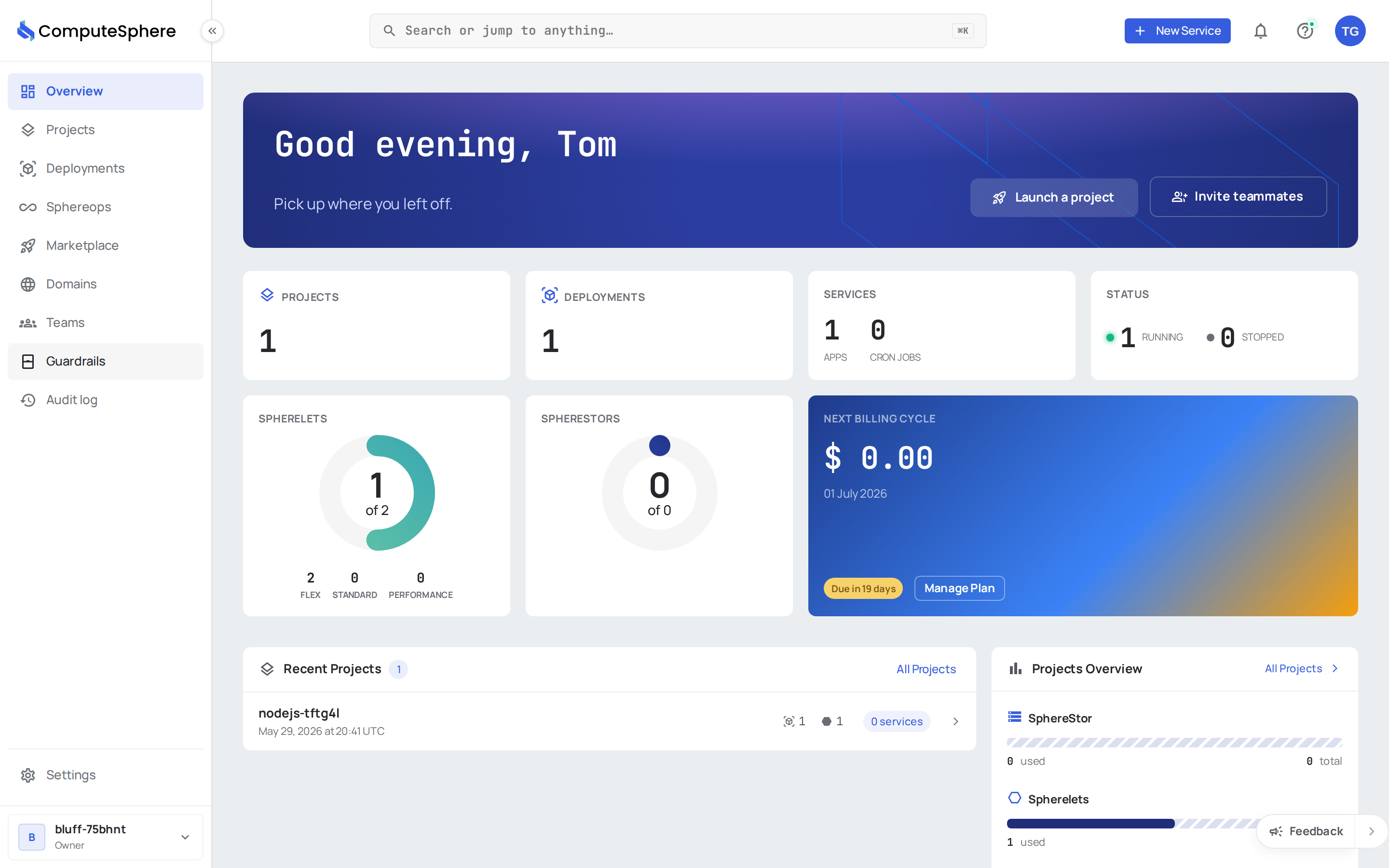
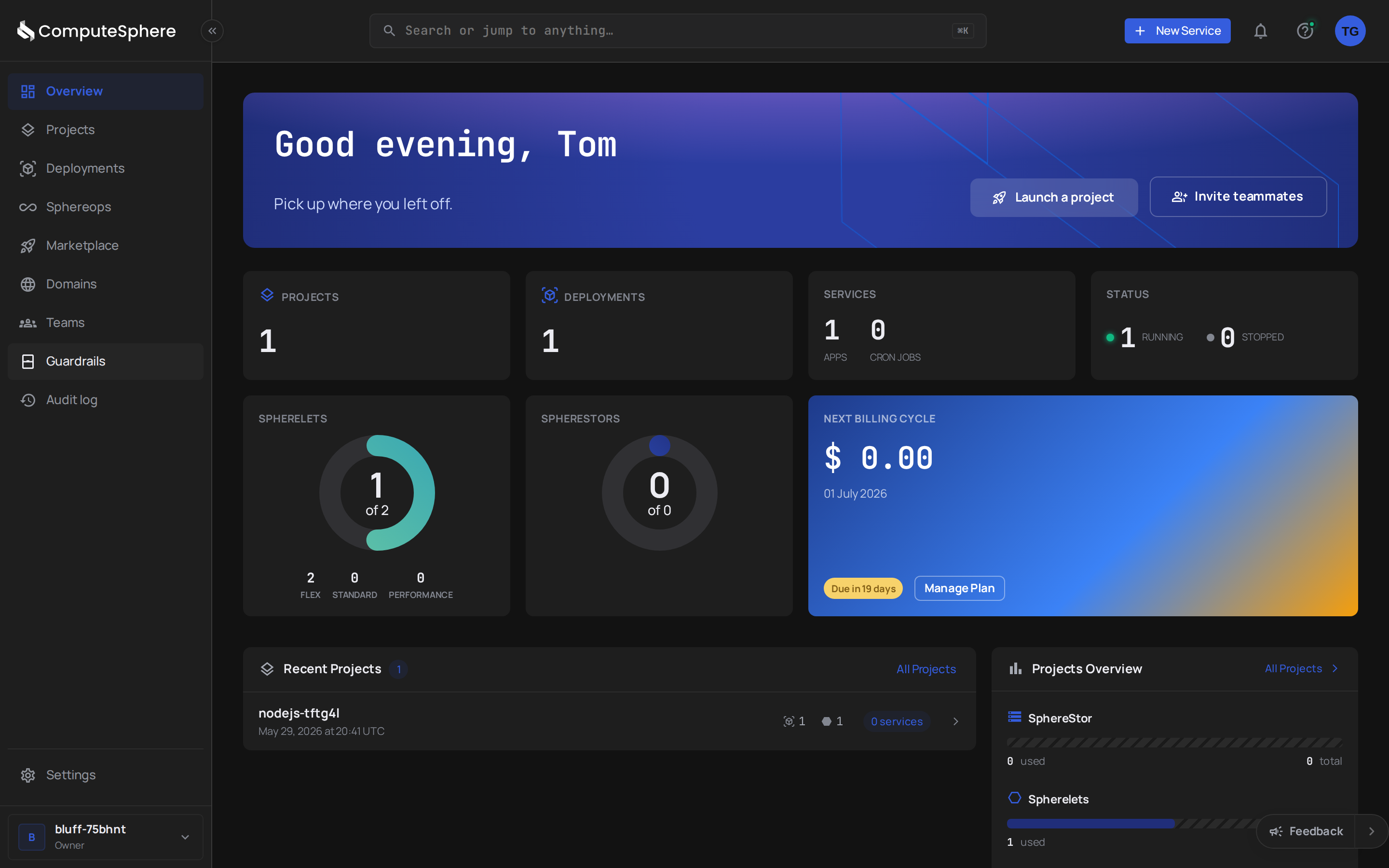
The Overview is the dashboard you land on when you open the console. It shows the current state of your account at a glance and jumps you to the projects and deployments you've been working on most recently.
At a glance
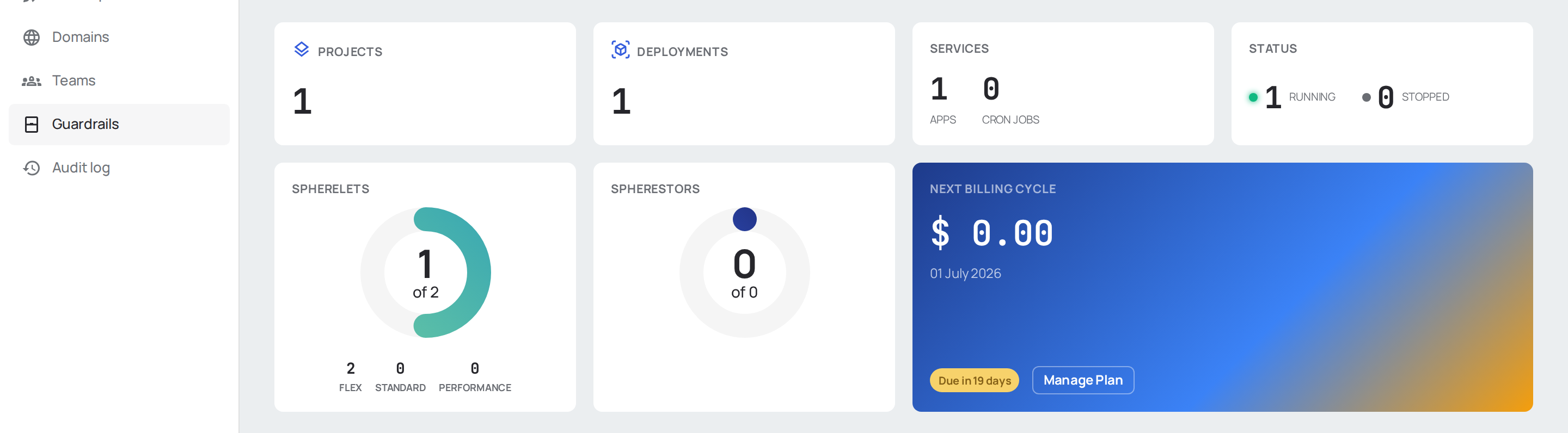
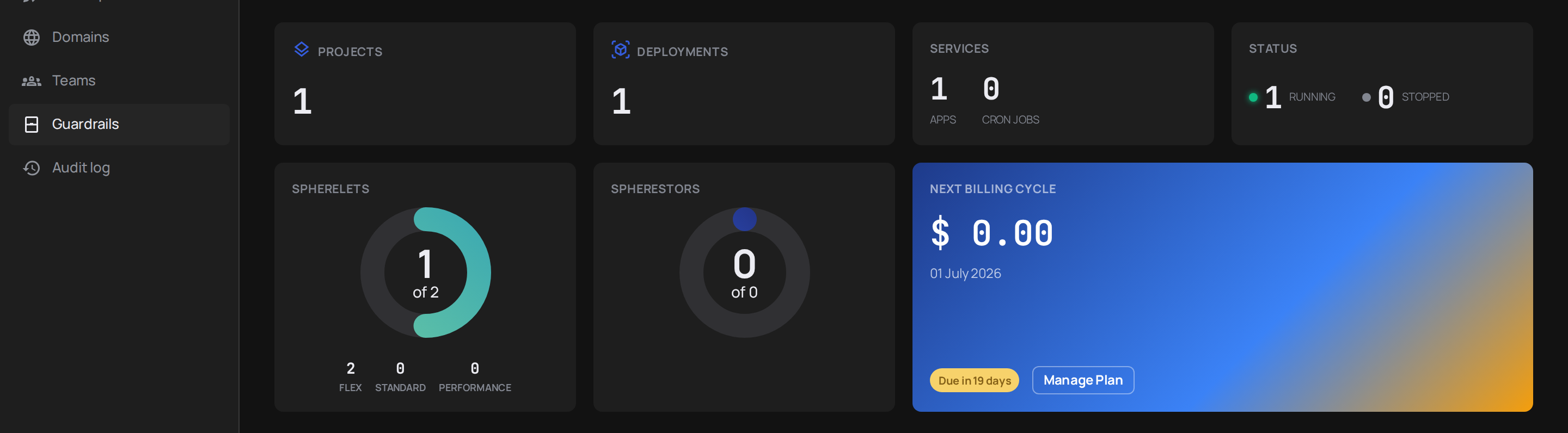
Four cards at the top of the page summarize your account in numbers: active projects, total deployments, SphereFiles storage (the SphereFiles gauge shows how many GB are used, with Add SphereFiles storage to get more), and running spherelets. The numbers update automatically; a refresh action sits in the corner if you suspect a stale value.
Recent projects
Below the summary, the Recent projects section lists the projects you've touched most recently — name, last activity, spherelet count, deployment count. Click any card to jump into the project. Click All projects to see the full list.


Recent deployments
The Recent deployments section shows the deployments that have rolled out across your services. Each card carries the service it belongs to, the deployment ID, and its status. Click a card to inspect the deployment — its logs, its metrics, and the option to roll back.


Where to go next
- Projects — create a project, group services, manage environments
- Deployments — push code from a Git repo or deploy from a container image
- Settings — account members, billing, API tokens